Context
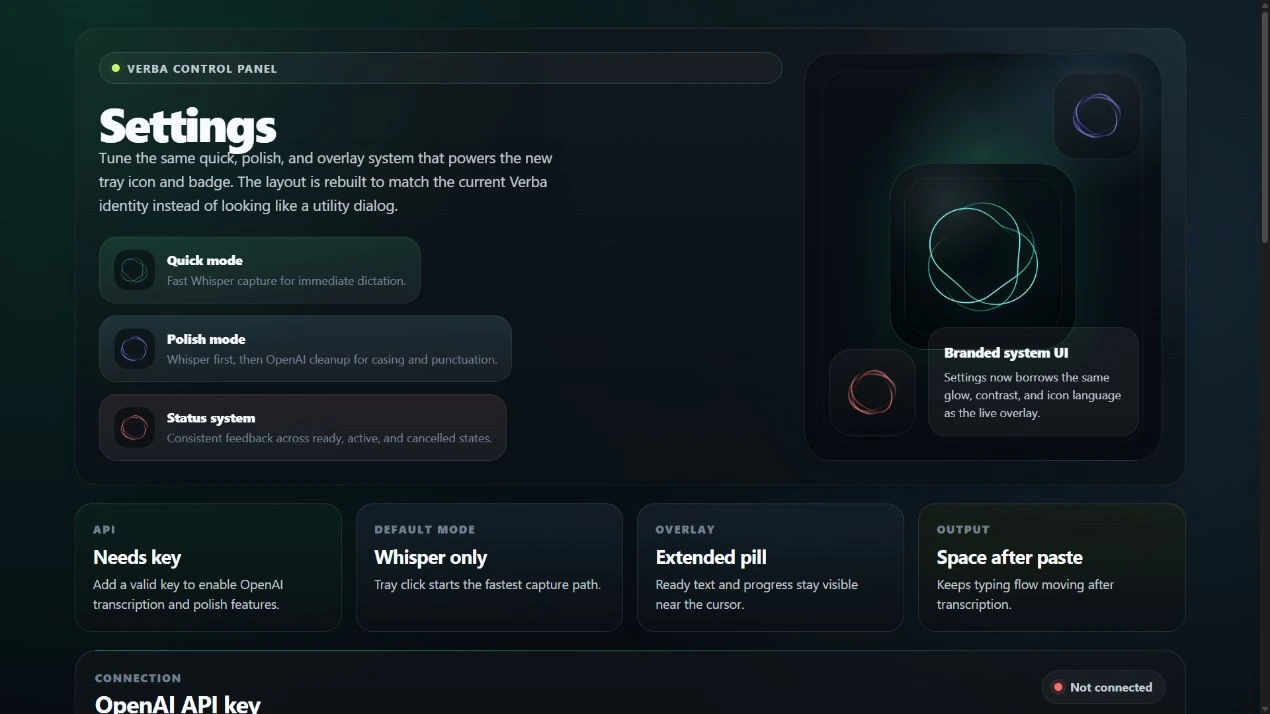
Dictation needed to fit into the desktop applications people already use, with a small interface available from the tray and keyboard.
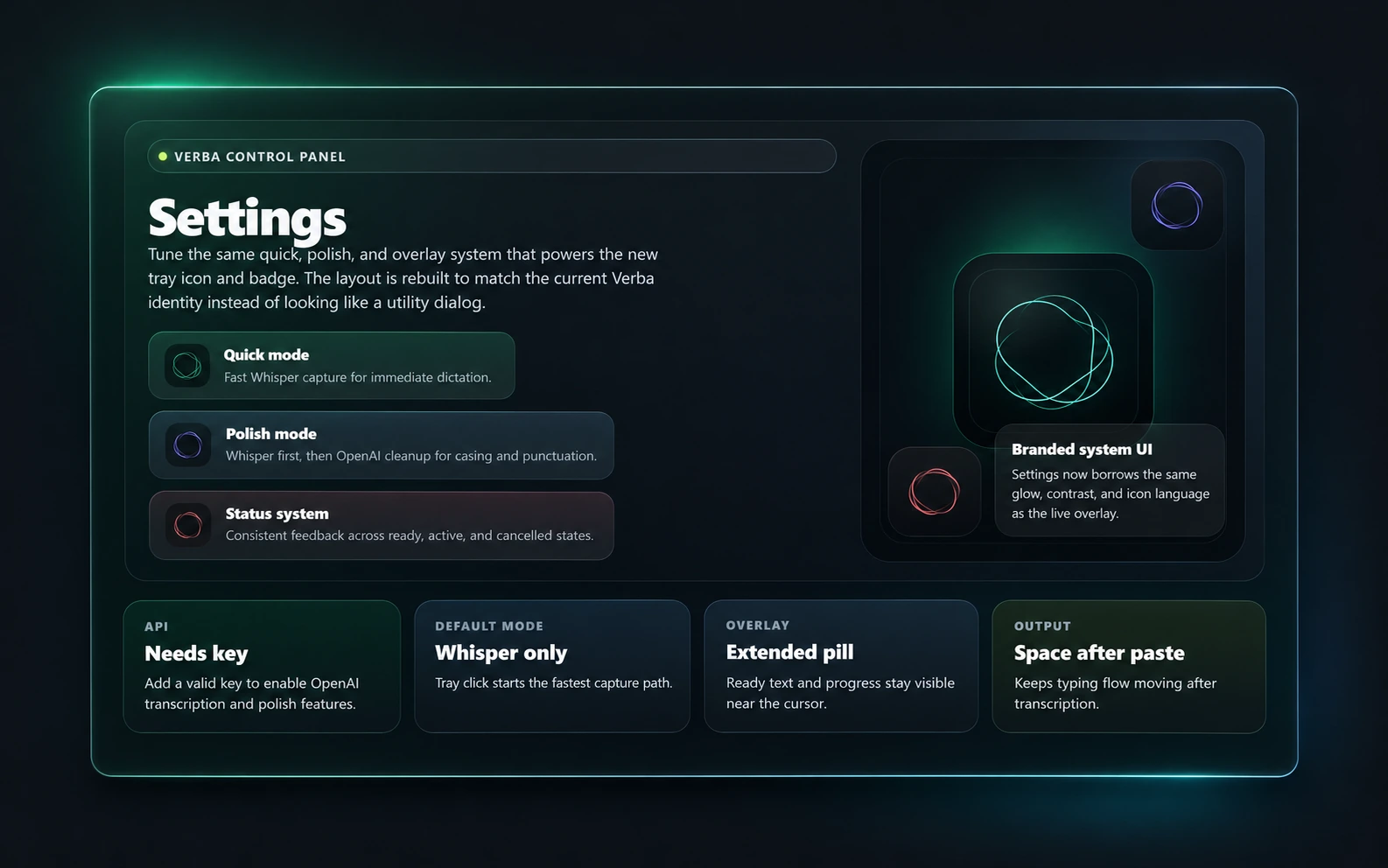
A Windows-first Electron desktop app that brings AI dictation into existing writing workflows. Global shortcuts start Quick or Polish capture, recorded audio is transcribed with the user's own OpenAI API key, and an optional cleanup pass improves casing and punctuation. Verba copies the result to the clipboard and attempts to paste it into the previously focused application. The tray app coordinates recording, transcription, cancellation, error feedback, and configurable compact or extended overlays.
Dictation needed to fit into the desktop applications people already use, with a small interface available from the tray and keyboard.
Make voice-to-text available through a shortcut, with a choice between direct transcription and an additional text-cleanup pass.
The capture, transcription, clipboard, and paste steps had to work together while keeping the user informed about recording, progress, cancellation, and failures.
Built an Electron main/renderer workflow with global shortcuts, microphone capture, validated IPC, background transcription and cleanup requests, clipboard delivery, and a configurable status overlay.